
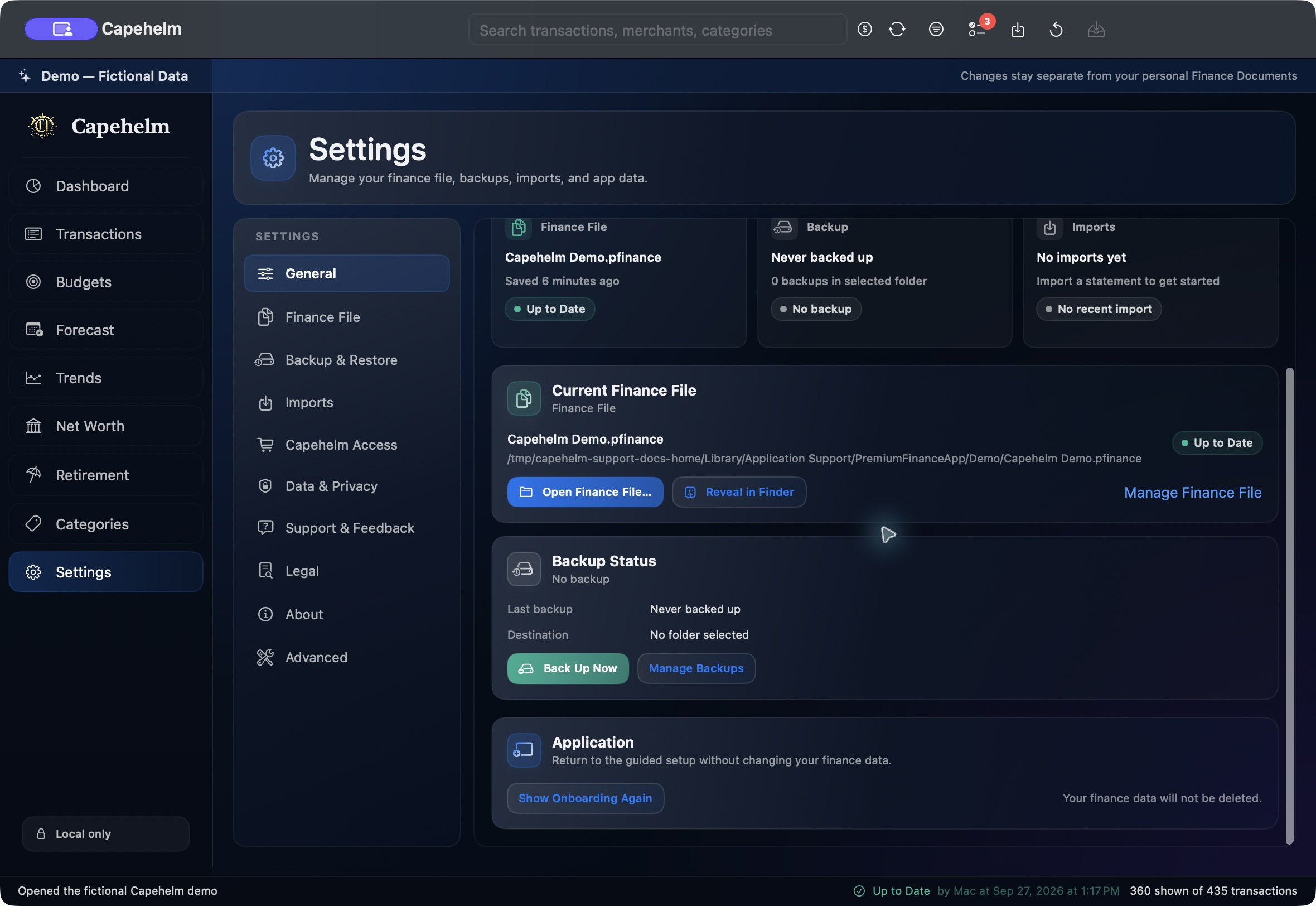
Create or manage a backup
- Open Settings and select General.
- Find Backup Status.
- Choose Back Up Now to begin a backup. If a destination has not been selected, Capehelm asks you to choose one.
- Choose Manage Backups when you need the full Backup & Restore workflow.
Need to restore?
Restoring an archive includes additional validation and safety behavior. Follow the dedicated Backup and Restore article before selecting a .pfbackup.zip archive.