
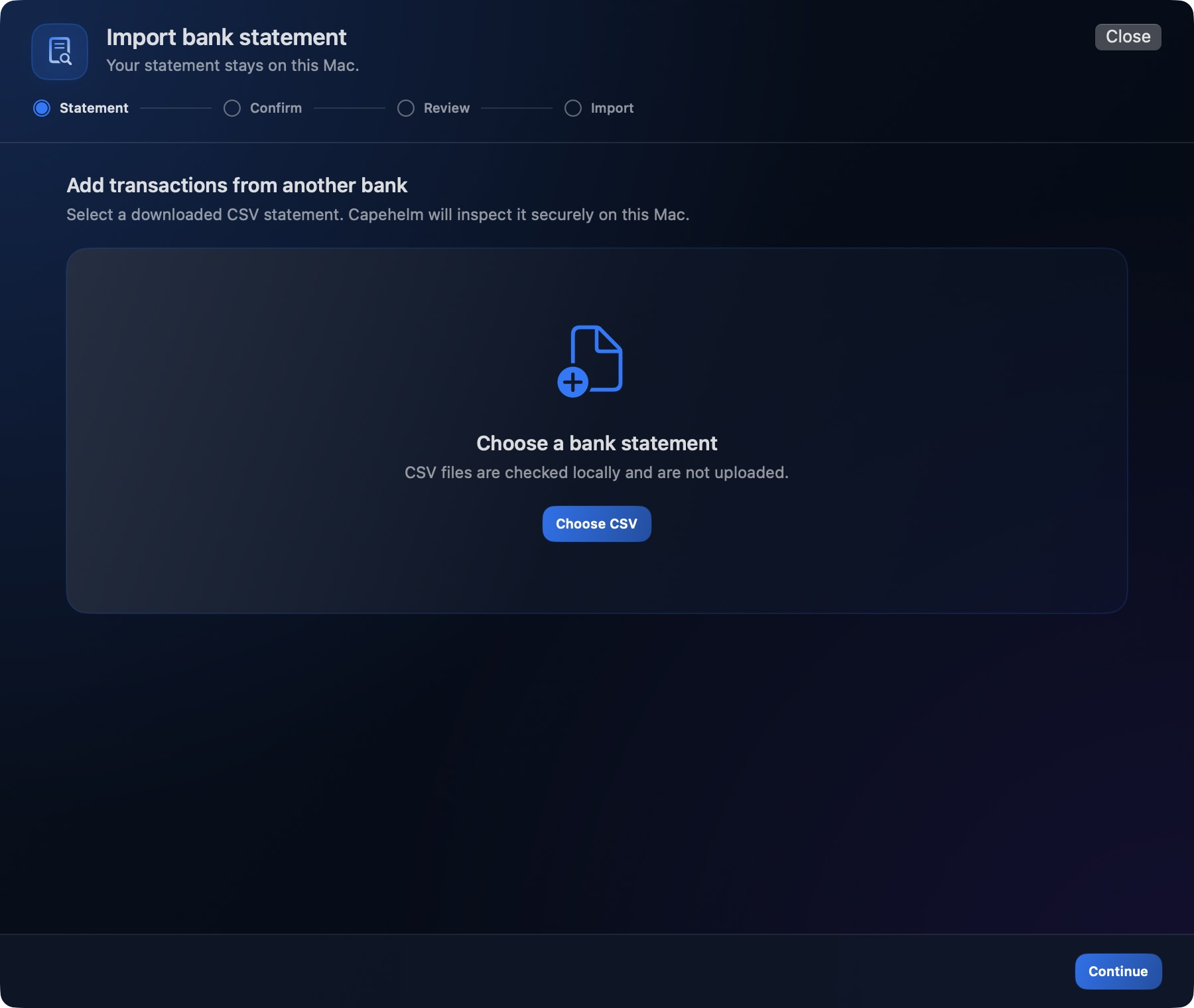
Start the import
- Open Transactions.
- Choose Import, then Other Financial Institution.
- At Statement, choose the downloaded CSV statement from your Mac.
- At Confirm, review the detected structure and required field mappings.
- At Review, check the transactions and any diagnostics Capehelm presents.
- Continue to Import when the review is ready.
What the four stages mean
- Statement: choose the CSV file.
- Confirm: verify how the statement is structured and mapped.
- Review: inspect the rows and resolve anything that needs attention.
- Import: add the reviewed transactions to the Finance Document.