
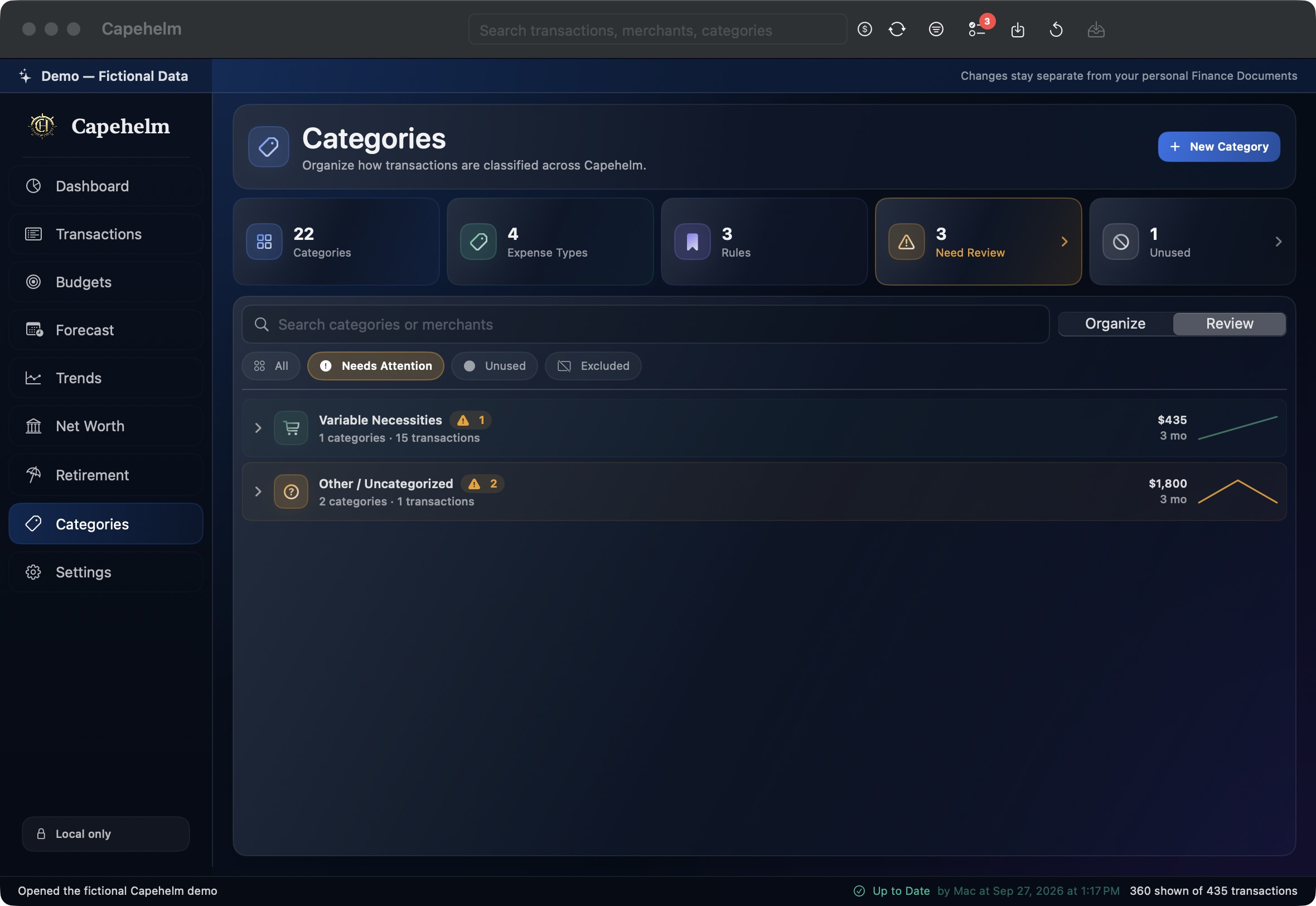
Review what needs attention
- Open Categories in Capehelm.
- Switch from Organize to Review.
- Select Needs Attention.
- Open a listed group to review the Categories or activity Capehelm has surfaced.
- Work through the remaining groups until you have reviewed the items that matter to you.
Keep the review focused
The Needs Attention view is the practical place to start. It avoids requiring you to inspect every Category when only a smaller set needs review.