
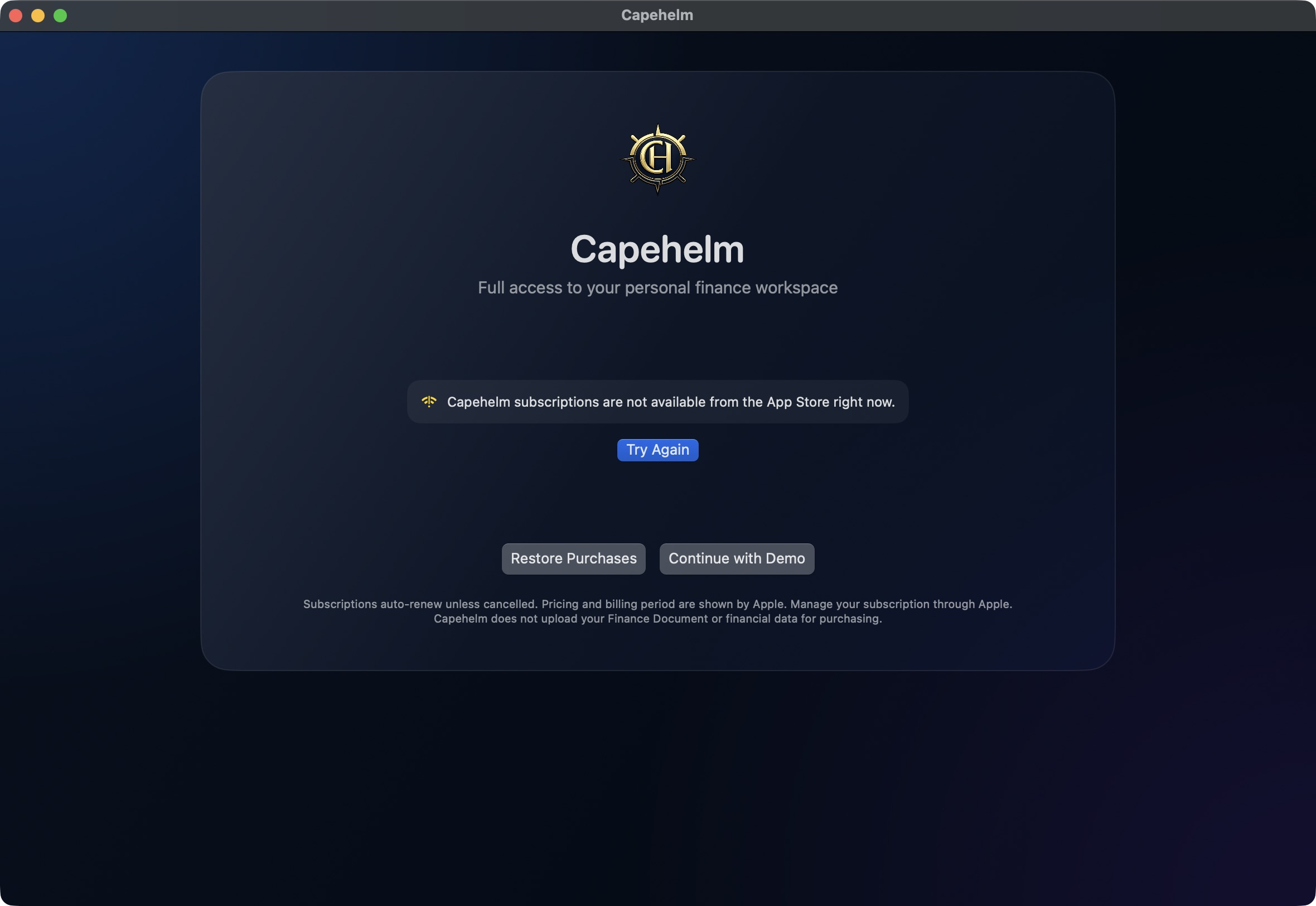
Choose a recovery action
- Try Again asks Capehelm to load and verify the current App Store state again.
- Restore Purchases resynchronizes purchases for the current App Store account and refreshes verified entitlements.
- Continue with Demo opens Capehelm’s fictional Demo, which remains available independently of personal-document subscription access.
How subscription access works
Monthly and Annual are billing choices for the same Capehelm access. Personal Finance Documents require a verified current subscription entitlement; a missing or unverified entitlement does not unlock them.
A pending transaction does not unlock access. Capehelm updates when the App Store later delivers a verified entitlement. If product information cannot load, Capehelm shows the unavailable state and Try Again without inventing a price or offer eligibility.