
Local-first personal finance
Your Financial Data Stays With You
In Capehelm, “local-first” means your financial picture is built from a Finance Document and files under your control. Capehelm does not operate a finance-data cloud account that receives your transactions, budgets or balances.
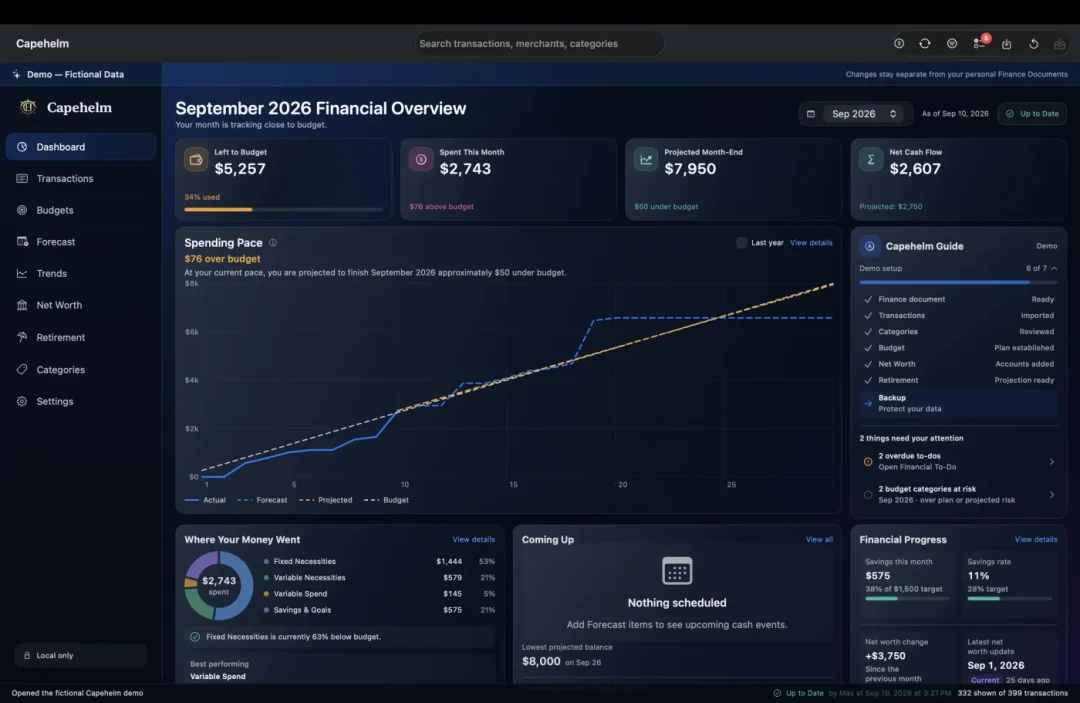
Your Finance Document
The file is the financial workspace.
A Capehelm Finance Document keeps the information that makes your analysis useful: imported transactions, Categories, merchant rules, Budget plans, Forecast state, Net Worth information, retirement assumptions and related settings.
Select the statement, Finance Document, backup or export involved in the task.
The app processes finance content on your Mac and saves it to local app storage or your Finance Document.
Choose where Finance Documents, backup archives, exports and reports are kept or shared.
If you place a file in iCloud Drive or another storage provider, that provider may synchronize it under its own terms. Capehelm itself is not the hosted finance-storage provider.
No bank credentials required.
Capehelm works with statement files you download and select. It does not log in to a financial institution on your behalf, use a bank-aggregation service or ask for an online-banking username and password.
Follow the statement workflowNo finance-data telemetry.
The application does not send transaction descriptions, merchant names, account information, budgets, forecasts or other personal finance content to Capehelm analytics. Capehelm is a paid product, not an advertising platform built from financial profiles.
You decide what enters.
Manual import is a control boundary as well as a workflow. You choose the period and statement file, inspect the mapping or built-in format, and review the imported transactions before using them elsewhere in the app.
Your backups remain files.
You choose a local backup location, create backup archives through Capehelm and restore a valid archive through the app. Those files contain private financial information and should be stored accordingly.
Clear boundaries
What still uses the internet?
Local-first does not mean the Mac can never make a network connection. Capehelm keeps finance content separate from the narrow services needed for commerce and public help.
- Apple StoreKit
- Apple services load subscription products, determine introductory-offer eligibility, process purchases, verify entitlements and restore purchases. Those operations do not send your Capehelm Finance Document contents to Apple.
- Links you choose
- Opening Support, Privacy or other public links hands the URL to your browser. A share or email action is completed by the macOS service or application you choose.
- This public website
- The website uses Google Analytics for aggregate public-site measurement. It cannot access Capehelm Finance Documents or personal finance content stored by the Mac app.
Verify the details
Marketing copy should not be your only privacy source.
The full Privacy Policy explains local storage, user-selected file providers, imports, backups, StoreKit, website measurement, support contact and what Capehelm does not intentionally collect.
Local-first by design
Keep the financial picture on the Mac where you use it.
Capehelm is available on the Mac App Store. Your financial data remains in the local Finance Document and storage locations you choose.