
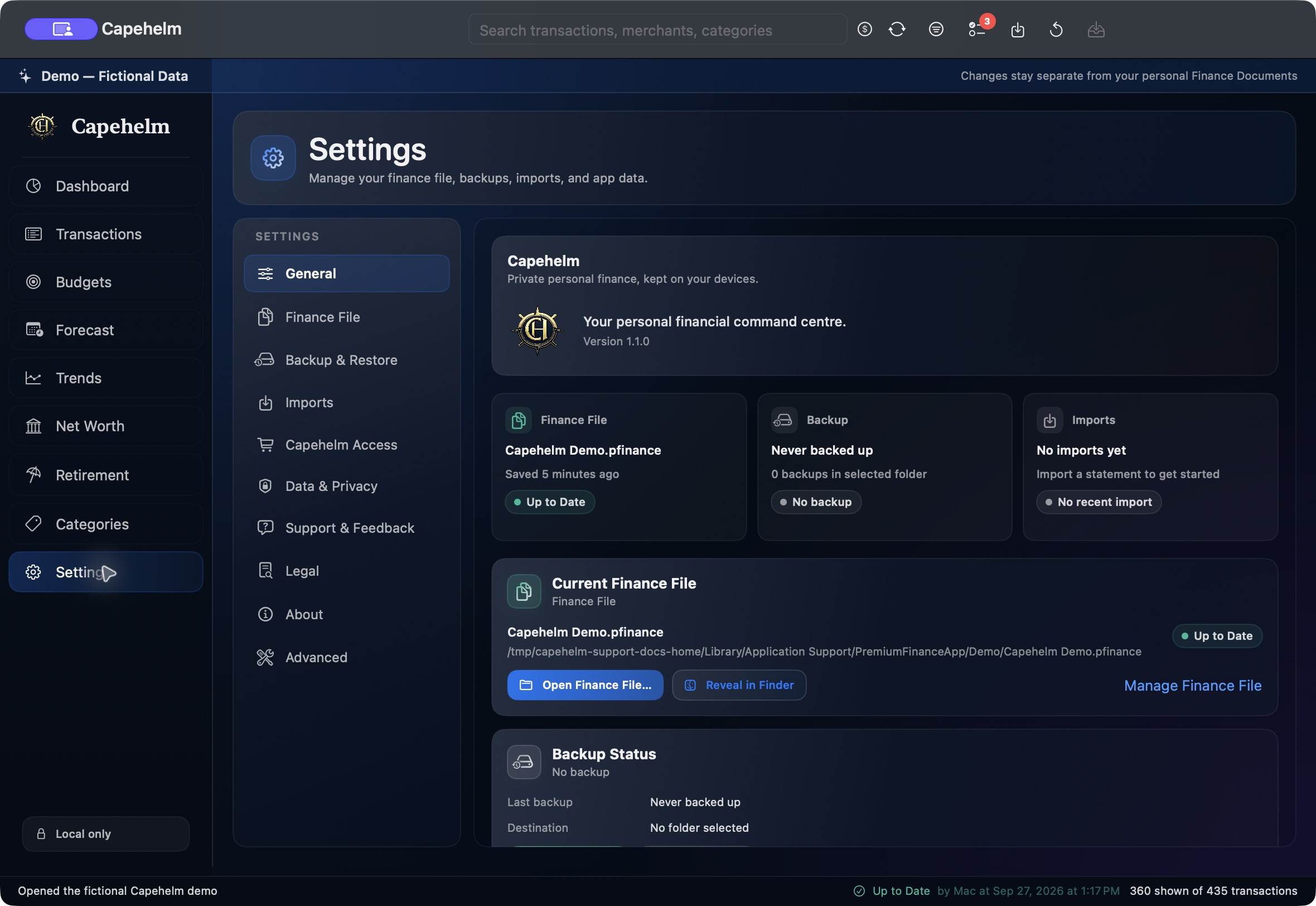
Open the file
- Open Settings in Capehelm.
- Select General.
- In Current Finance File, choose Open Finance File.
- Select the existing .pfinance package in the macOS file picker.
If the package does not open
Confirm that you selected a Capehelm .pfinance package. If Capehelm cannot use the selected document, follow the recovery guidance rather than changing files inside the package.